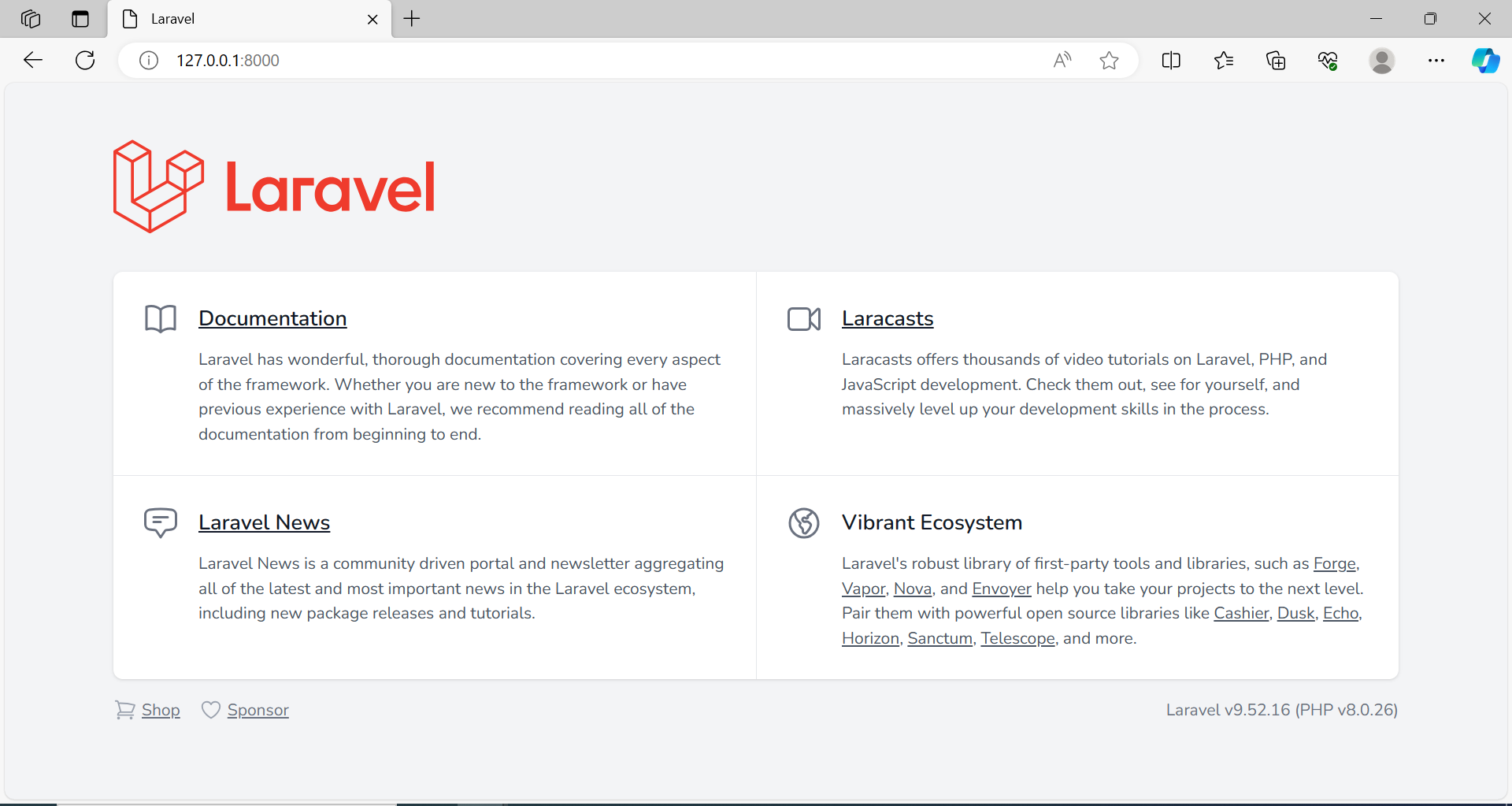
Step 2: Configure the Database
Configure the database settings in the .env file to connect your Laravel application to a database. Set the database name, username, and password according to your database configuration.
Step 3: Create Routes and Views
Define your application routes in the routes/web.php file. Create corresponding views in the resources/views directory for the routes you define.
Step 4: Implement Controllers
Create controllers using the Artisan command-line tool to handle the application logic. Use the command below to generate a controller:
| php artisan make:controller ControllerName |
Step 5: Define Models and Migrations
Define models and database migrations for your application data using the Artisan command-line tool:
| php artisan make:model ModelName -m |
Step 6: Run Migrations
Run the migrations to create the necessary database tables for your application:
Step 7: Implement Blade Templates
Use Blade templates for your views to create dynamic and reusable components for your web application.
Step 8: Implement Middleware and Authentication (Optional)
Add middleware and authentication components to secure your application and control access to certain routes or resource
Conclusion:
With the completion of these steps, you will have created a basic Laravel project and gained a fundamental understanding of its key components. Laravel's rich ecosystem and comprehensive documentation make it an excellent choice for building robust and scalable web applications.